
How to Manually Create a Code in X-PAD Ultimate
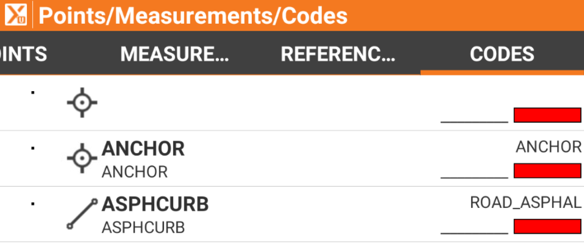
How to Manually Create a Code
Open the home page of X-PAD Ultimate
Select Points/Measurement/Codes
Select the + icon to add a new code
Enter the code ID
Enter the description
Select the drawing type
Select accept to save the code